
Best Cloud Storage, According to Owners
Updated October 2026
Choosing the right cloud storage involves balancing privacy, collaboration, and reliability. Owners report that seamless integration with existing ecosystems and robust file syncing are key differentiators for daily use.
Quick picks
- 1Best for maximum privacyProton Drive$4.99/moVisit Proton Drive →
- 2Best for secure document storageSync.com$9/moVisit Sync.com →
- 3Best for long-term savingspCloud$219 one-timeVisit pCloud →
- 4Best for Windows and Microsoft 365 usersMicrosoft OneDrive$1.99/moVisit Microsoft OneDrive →
- 5Best for sharing large filesDropbox$9.99/moVisit Dropbox →
- 6Best for real-time collaborationGoogle Drive$1.99/moVisit Google Drive →
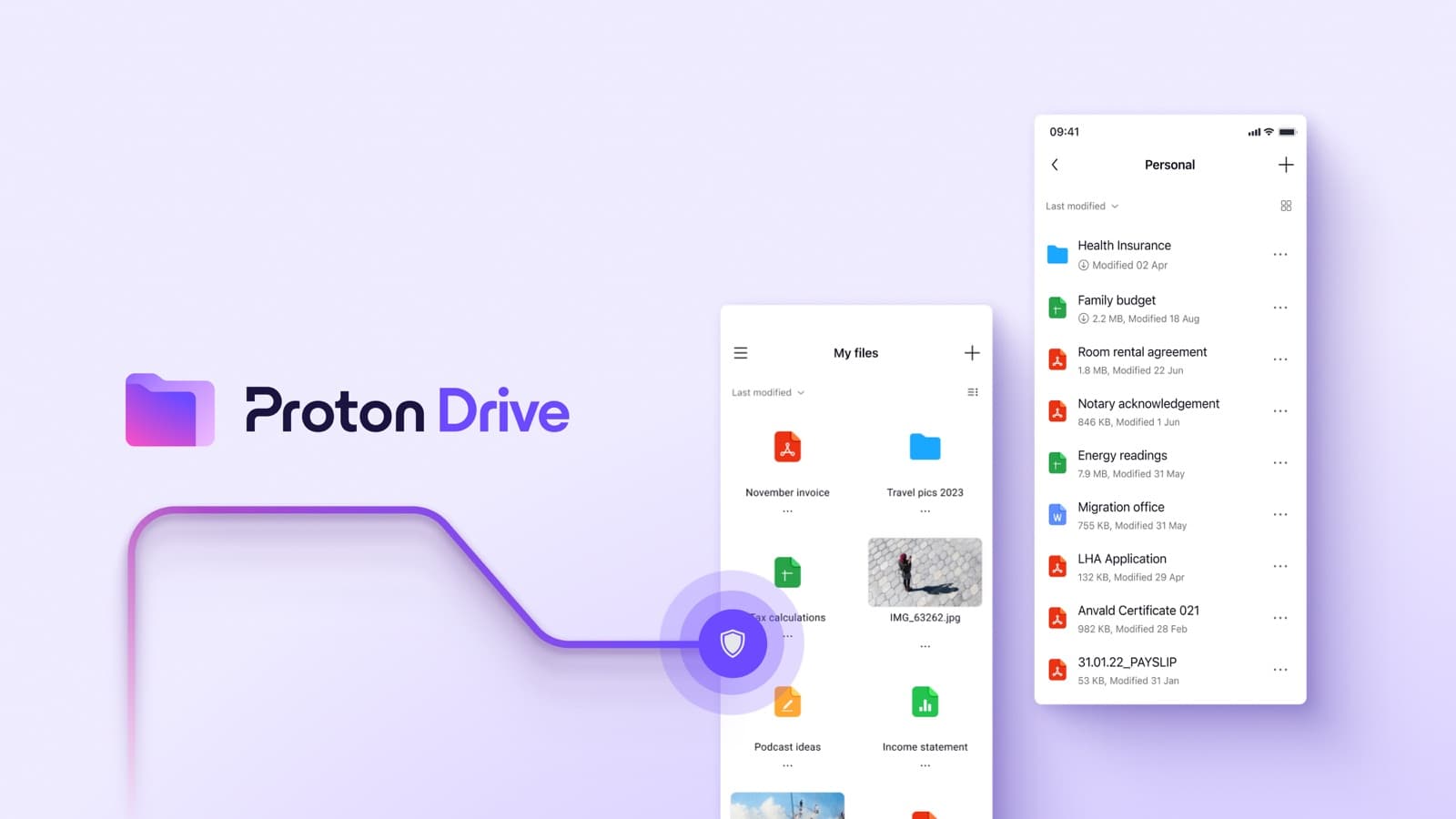
1. Best for maximum privacy
Proton Drive
Owners seeking unmatched privacy appreciate Proton Drive's end-to-end encryption for all files, folder names, and filenames. However, they note that synchronization speeds can be extremely slow, especially with many small files or deep folder structures.
From $4.99/mo, free plan availablePrices checked Oct 14, 2026
- Sync.comSync.com
2. Best for secure document storage
Sync.com
Privacy-conscious individuals and small businesses value Sync.com's strict zero-knowledge architecture for secure document storage across devices. Many owners note that initial sync times can be painfully slow and the mobile app has limited functionality.
From $9/moPrices checked Oct 14, 2026
- pCloudpCloud
3. Best for long-term savings
pCloud
Owners looking to avoid recurring monthly fees favor pCloud's lifetime payment model for long-term cloud storage. A primary trade-off reported by owners is that customer support is consistently slow and often unhelpful.
From $219 one-timePrices checked Oct 14, 2026
- MicrosoftMicrosoft OneDrive
4. Best for Windows and Microsoft 365 users
Microsoft OneDrive
For users deeply embedded in the Windows and Microsoft 365 ecosystem, OneDrive offers convenient cross-device file syncing and Office document integration. Owners frequently battle recurring sync failures, slow speeds, and occasional data loss, however.
From $1.99/moPrices checked Oct 14, 2026
- DropboxDropbox
5. Best for sharing large files
Dropbox
Dropbox is recognized by owners as a fast and reliable tool for sharing large files with external clients across different operating systems. The main frustration for owners is the high and often unjustifiable pricing structure for premium storage.
From $9.99/moPrices checked Oct 14, 2026
- GoogleGoogle Drive
6. Best for real-time collaboration
Google Drive
Teams and individuals within the Google Workspace ecosystem find Google Drive's seamless real-time co-authoring and document collaboration capabilities invaluable. Owners do express concerns about privacy due to the lack of default end-to-end encryption and frequent syncing failures.
From $1.99/mo, free plan availablePrices checked Oct 14, 2026
What owners wish they knew
- Owners report that sync failures and speed are common pain points across many cloud storage services.
- Integration with existing software suites and operating systems significantly impacts user experience.
- Privacy features like end-to-end encryption are highly valued but often come with performance trade-offs.
- File versioning is a critical feature for recovering from accidental deletions or unwanted changes.
- Customer support quality varies significantly and is a frequent source of owner frustration.
Cloud Storage: The Most Common Problems Owners Report →
Head-to-head comparisons
Picks are drawn from our owner verdicts for this category and refresh when those verdicts change. See all 6 owner verdicts in Cloud Storage →